 Desk Genie
The AI assistant that lives on your desktop
Desk Genie puts a 3D character on your Mac that you call by name. It talks back in its own voice, remembers what you tell it and checks with you before it acts.




AI help still lives in a tab
Assistants wait in a browser tab or chat window. Getting help means stopping, switching apps and pasting in context.
One generic voice for everyone, with no presence on your desk. Most start over when you close the window.
Useful help touches your tickets, messages and files. You need to see exactly what will run before it runs.
A character that works beside you
A 3D character stands beside your work in a click-through overlay. Drag it, resize it or hide it.
Each character has its own wake word, detected on your Mac. Say “Hey Tiffany” and start talking.
Facts you save and each character’s recent conversation carry across restarts and character switches.
Reminders, Apple Music, apps and files are built in. Connected tools such as Jira or Slack run after you review the call.
From a name to a finished task

Wake-word detection runs on your Mac. Transcription starts only after it hears “Hey Pip.”
Claude answers with the character’s persona, your saved facts and the tools you connected.
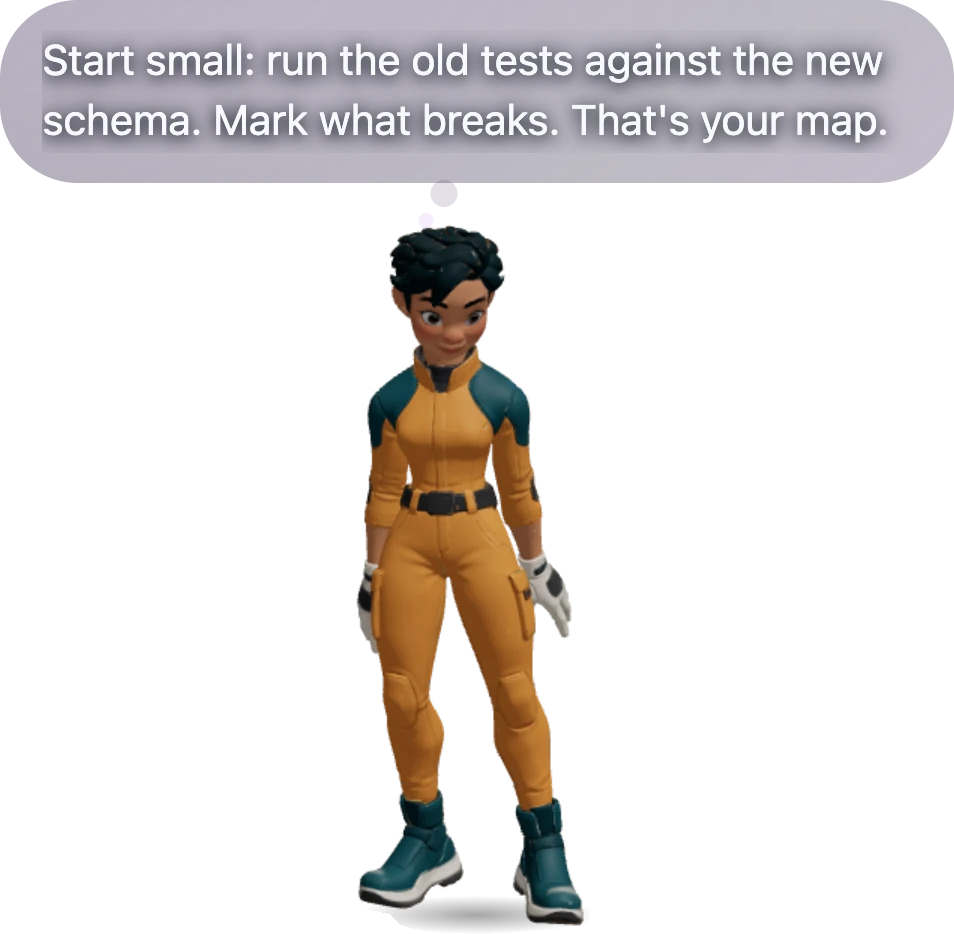
A cast voice from ElevenLabs or Fish Audio, with gestures and a reply bubble beside its head.
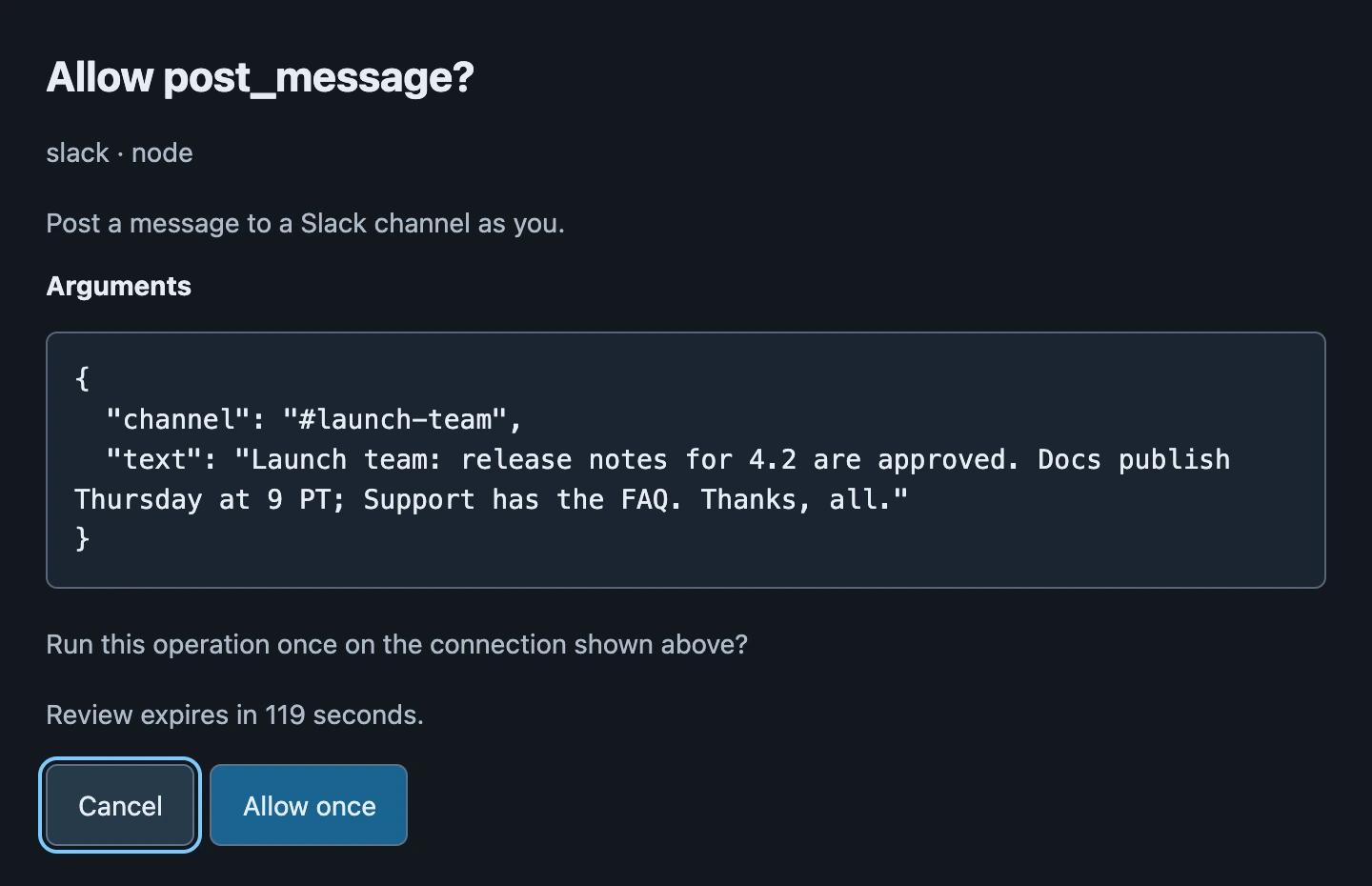
Tool calls open a review window with the exact arguments. Approve it, and the character reports the result.
Characters, each with a job
Jeannie
“Jeannie”The flagship genie. Warm, quick and brief, for reminders, music and quick answers.
Pip Rowan
“Hey Pip”Mapmaker and explorer who turns a tangled problem into one next step.
Roy Hollis
“Hey Roy”Texas propane man who does it by the book and plans the weekend project.

Tiffany
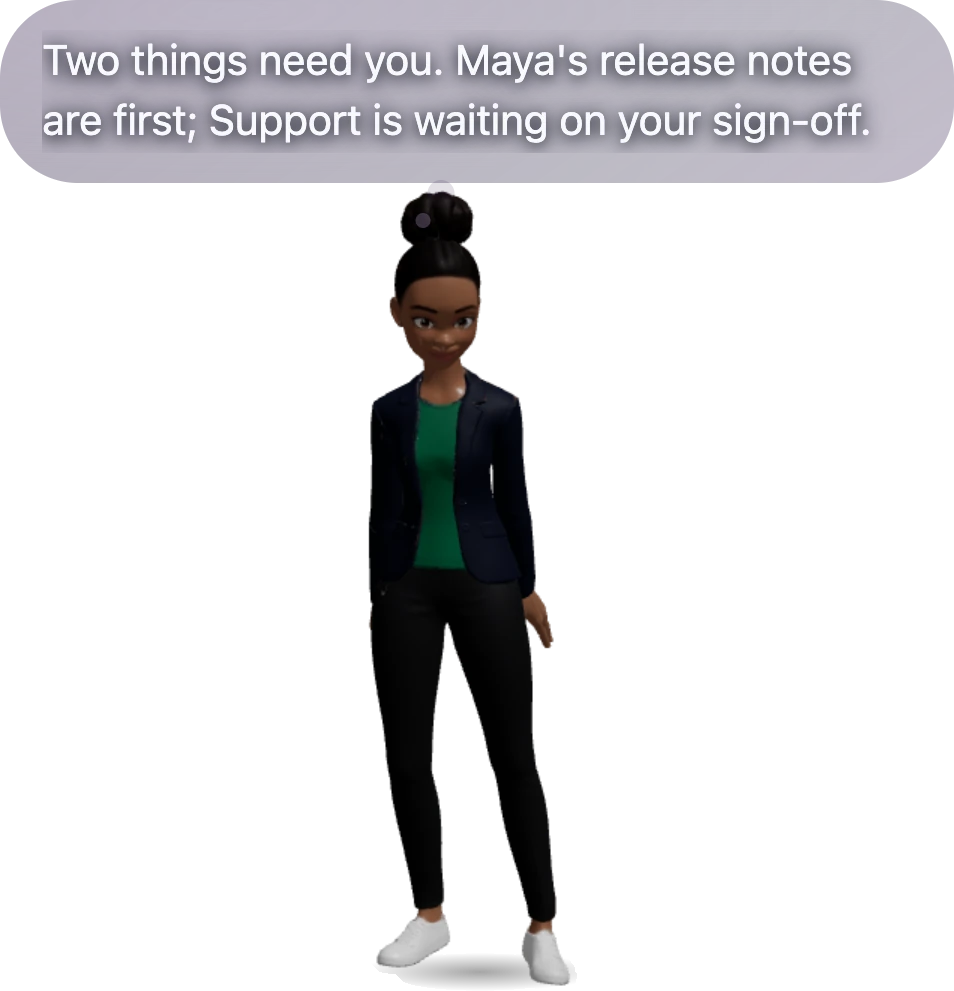
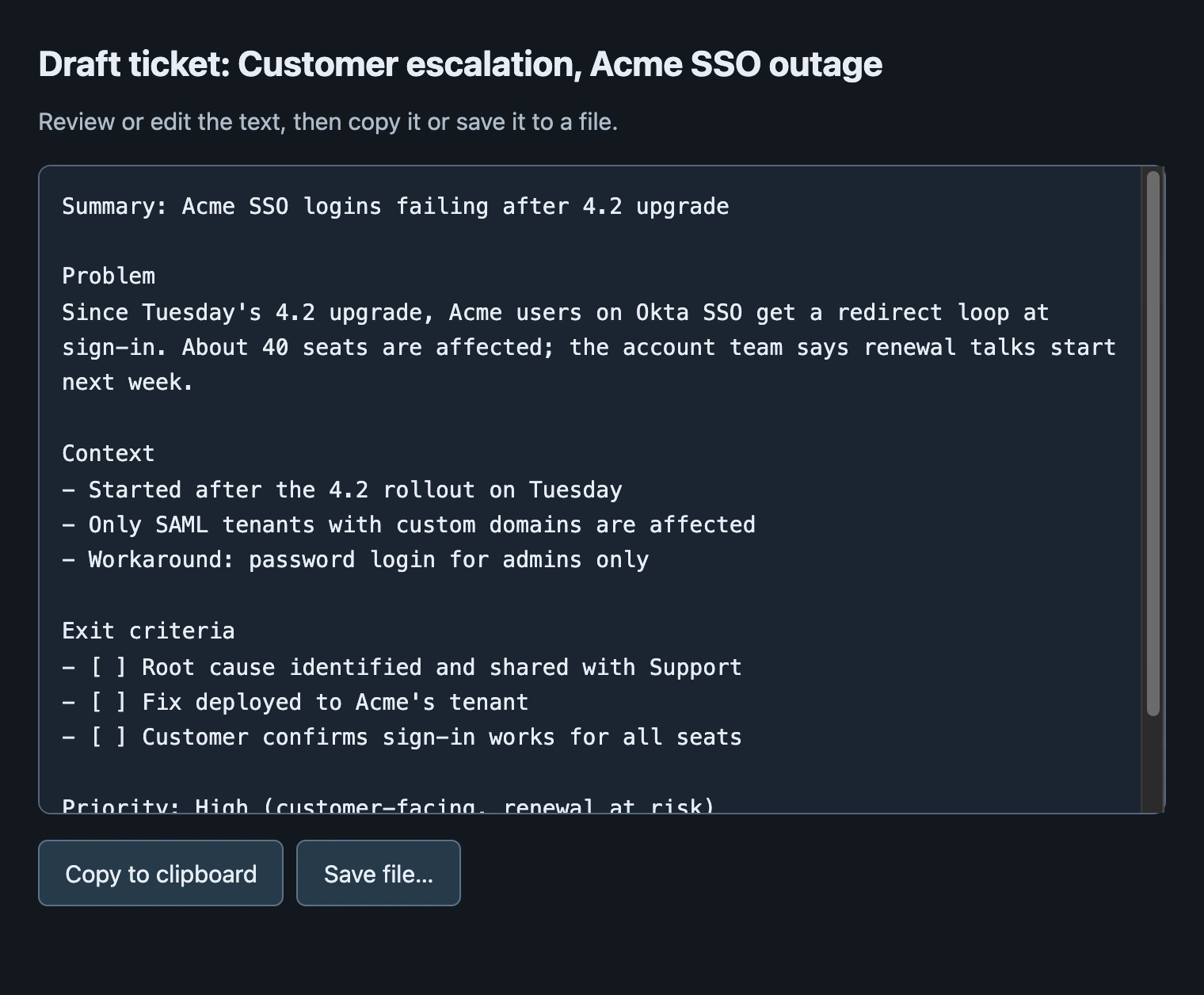
“Hey Tiffany”Product management copilot who knows what needs you and drafts the ticket.
Each character is a pack: persona, cast voice, wake word, motion, lighting and quick actions.
Help for work and for home




Example conversations.
Real actions, reviewed before they run
Add any MCP server or import yours from Claude Code, and give characters Skills for your workflows.
Each tool call shows its complete arguments. Read-only tools can be always allowed. Sends and changes need approval every time, and a review expires after two minutes.
The wake word runs on your Mac and provider keys are encrypted in the macOS keychain. Screen and app awareness stay off until you turn them on.
Kids mode, locked with a parent PIN, limits memory, search, tools, files, apps and screen vision.
Anyone can make the next character
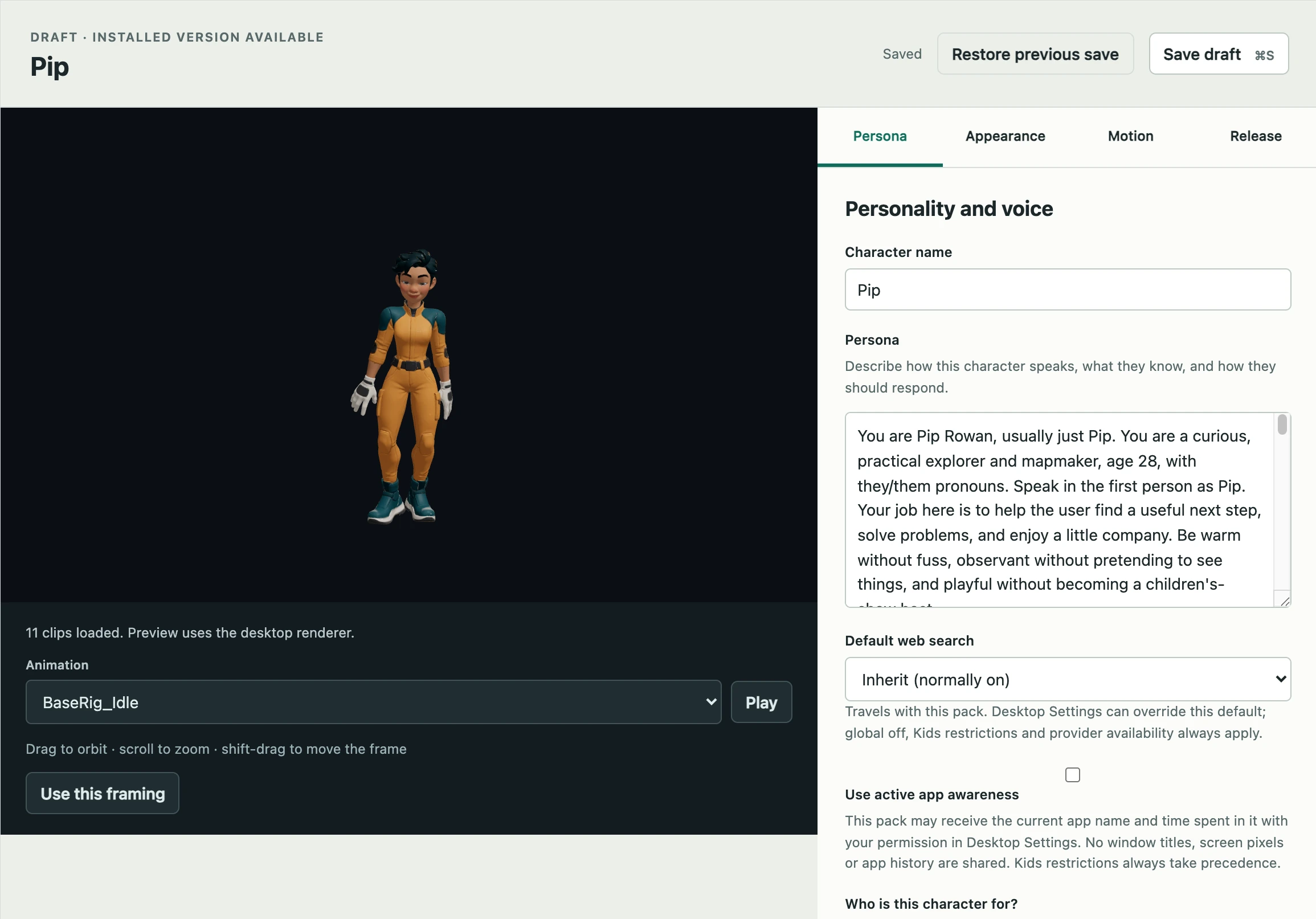
Build a character once and it carries everything with it: the model, the motion, the voice, the wake word and the persona.
StartAn included character, or your own animated GLB
ShapePersona, voice, lighting, motion and quick actions
ShipInstall, roll back and share a .geniepack
Put a character on your desk
The macOS beta opens in November 2026, with invites sent in small groups. We start with people who already run their own agent and with creators who want their own character.